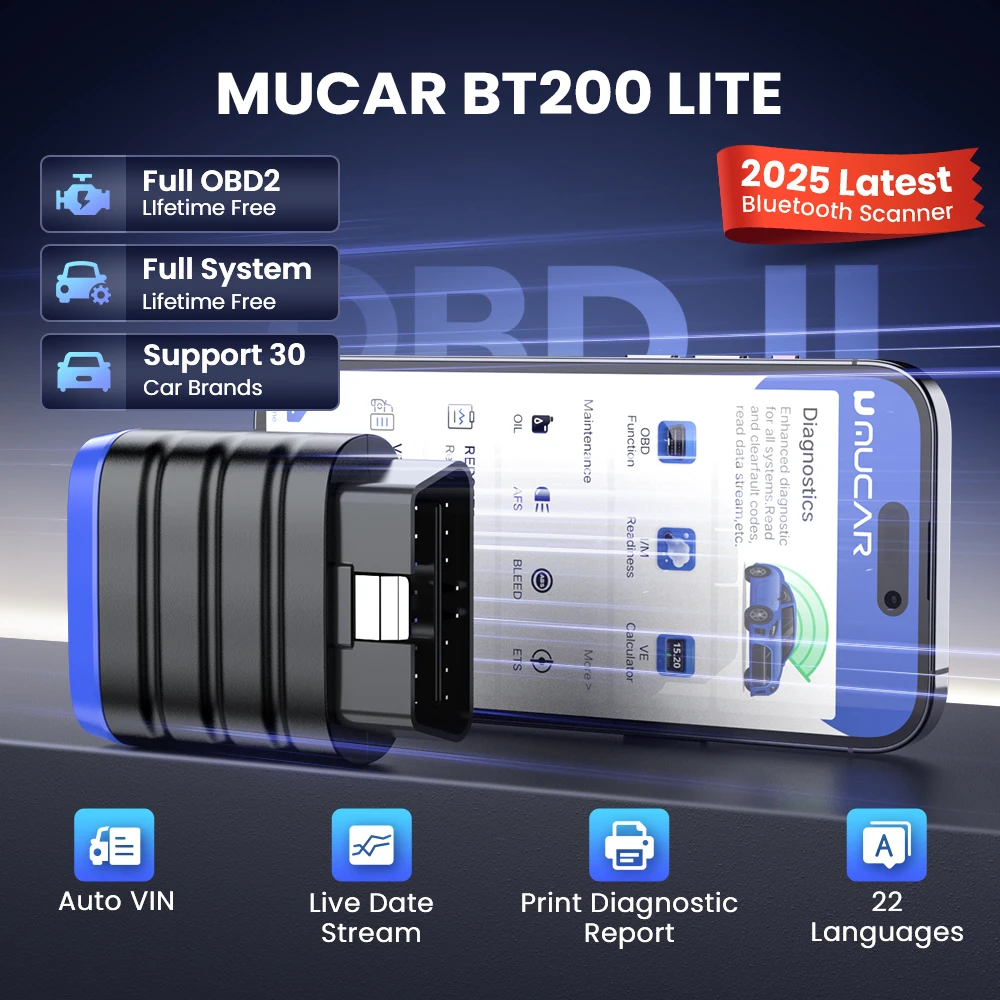
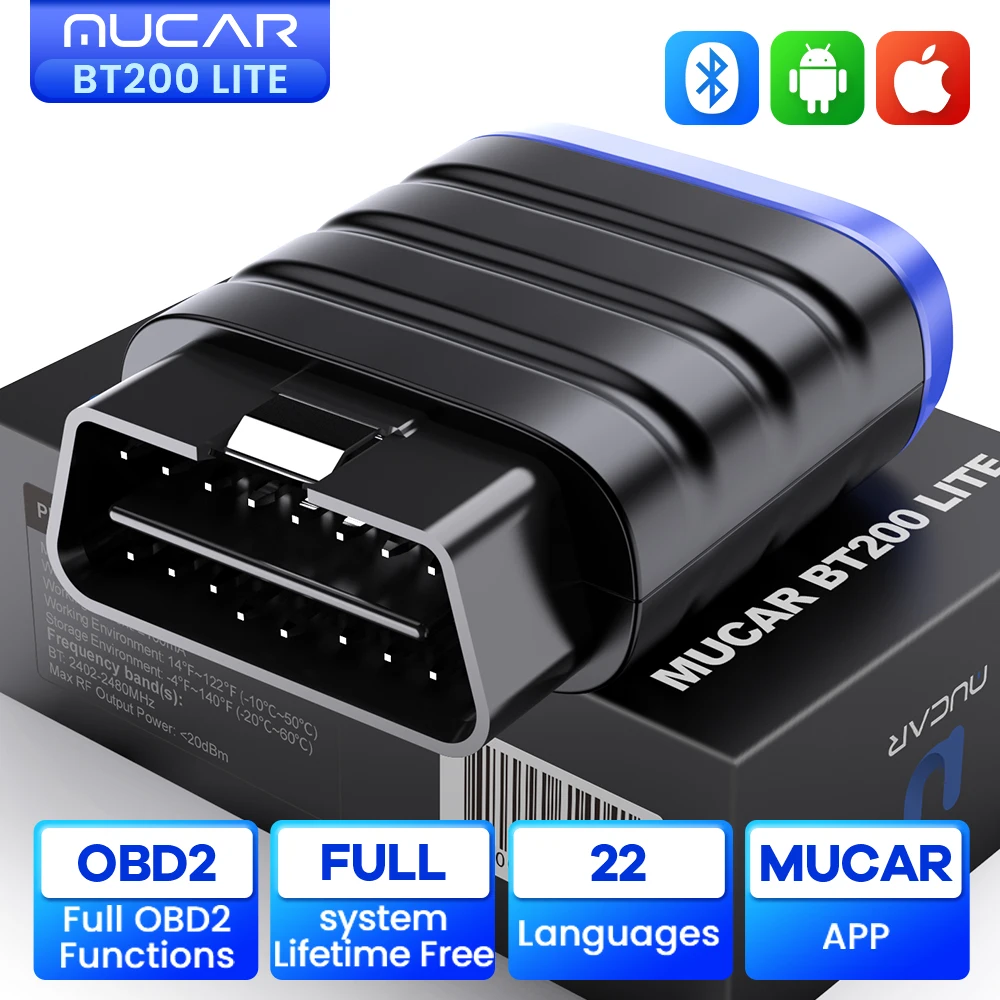
2025 New MUCAR BT200 Lite OBD2 Scanner, OEM Full System Diagnostic Scan Tool for iOS and Android, Check Engine Light Fault Car Code Reader
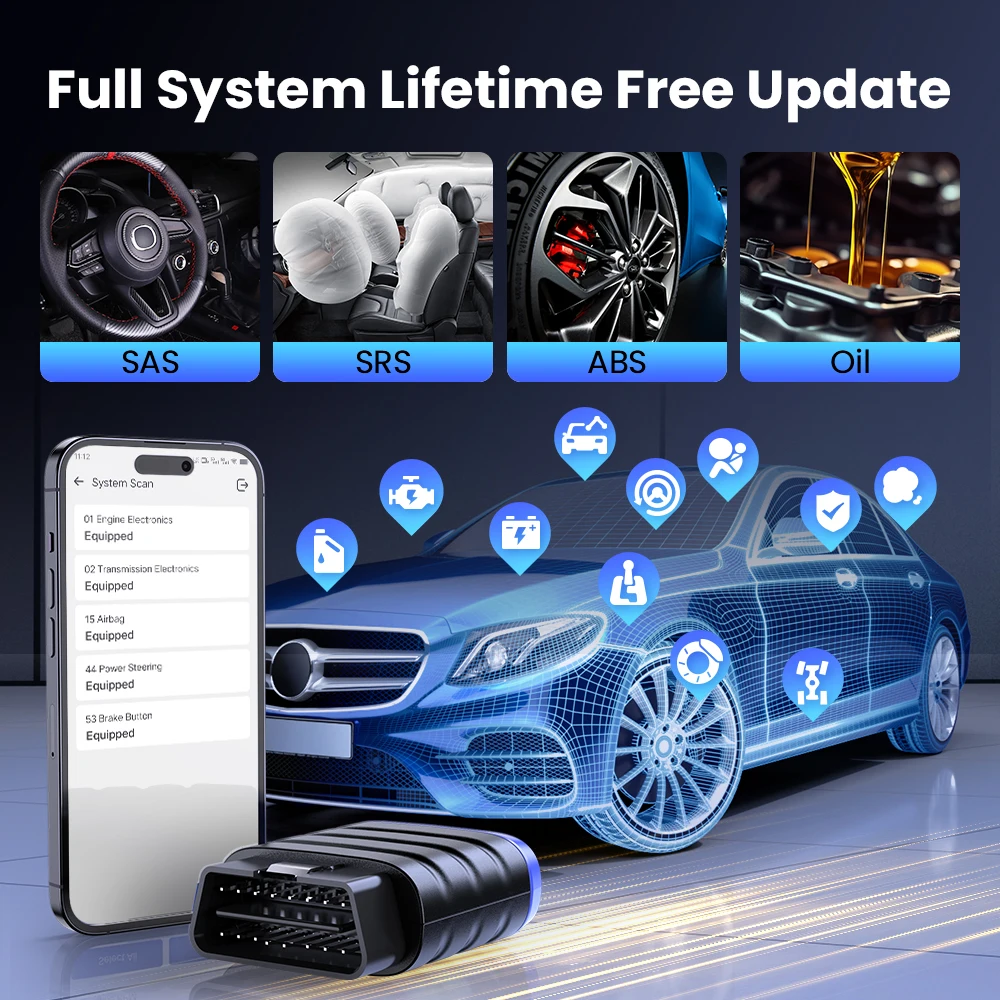
✅Lifetime Free Full System Diagnostic
✅Lifetime Free Full OBD2 Functions
✅Support 15 Reset Expansion, 15 resets cost $15.95/month
✅Support 30 Car Brands , 22 Languages.
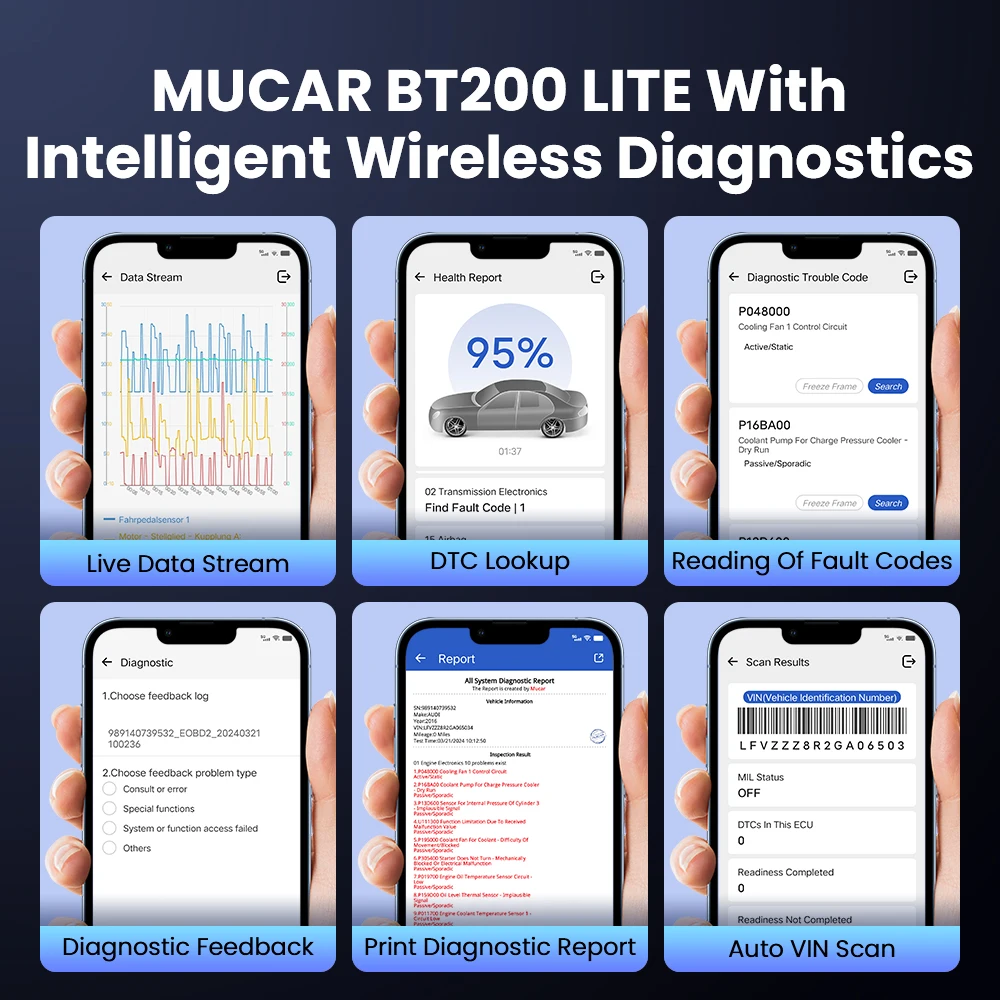
✅Support Auto VIN Scan, Live Data Stream, Print Diagnostic Report
⚠️⚠️⚠️ [Note]Before buying please send seller car brand, VIN number to check compatibility first.
⚠️⚠️⚠️ [Note] If you clear the fault code directly without repairing the car and find that the fault code is still there, it is your car hardware fault still exists. We recommend that after reading the fault code, repair the car first and then clear the fault code.
✅MUCAR Free APP, Supportios iPhone and Andriod Mobile Phone
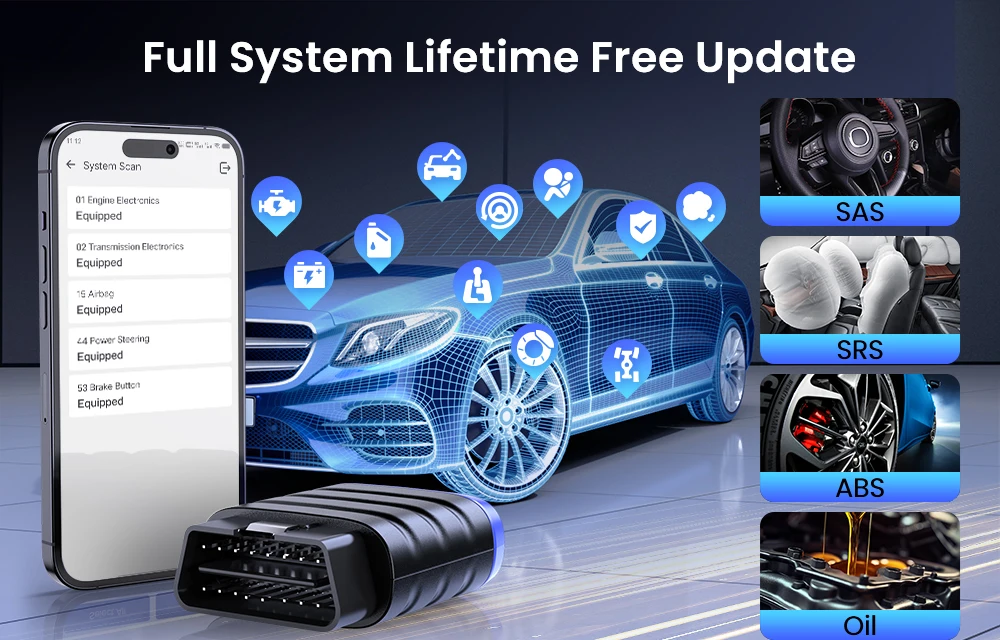
✅ Lifetime Free Full System Diagnosis
All cars Lifetime Free Full System Diagnose. This MUCAR BT200 Lite OBD2 Bluetooth Scanner has full vehicle systems diagnoses functions: The Diagnostics application enables a data link to the electronic control system of the test vehicle for vehicle diagnosis. The application performs functional tests, retrieves vehicle diagnostic information such as trouble and event codes and live data for various vehicle control systems, such as ABS, SRS, Engine, Transmission, Brake System, Emission System, Fuel system, Light system, Wiper System etc.
Diagnose ECM (Check Engine) System:
Quickly determine the cause of the Engine System, and turn off the warning light. It also retrieves current, permanent, and pending codes in the vehicle engine system, What's more, it also shows critical OBD II standard extended data, such as fuel, emissions data, and other real-time manufacturer-specific parameters in the engine system for making sure it works correctly and safely.
Diagnose ABS (Anti-lock Braking) System:
Read and clear the error code in the ABS and turn off the warning light. It retrieves ABS codes to make braking more smooth, consistent, and safe. It also performs live data streams in the ABS that allows the user to monitor and diagnose critical ABS systems to ensure that repairs to these critical systems are effective and complete.
Diagnose SRS (Airbag) System:
A safety restraint system, is made up of impact sensors, a control module, and the airbags themselves, and this diagnostic device can detect every electronic parameter to check its health status.
Diagnose TCM(Auto Transmission) System:
AT(automatic transmission) system is one of the powertrain control modules, but some issues like un-working electronic accessories and broken transmission computer will keep your transmission light flashing. It's hard to locate the accurate error within limited time. Fortunately, this car error code reader transmission scanner will assist you to have a fast scanning of your vehicle and read the fault code easily, shutting down the warning light within minutes when you finish the repair.
BCM(Body Control Module) System Diagnose :
Body control module will directly let you know about a system that has malfunctioned, as it can diagnose and report the problem. A body control module (BCM) plays a central role in a car by maintaining control over its various functions. Problems in it can cause and/or mask the problems in the other modules of a car. Troubles in this system can set off a chain of events that can incur large-scale damage to the car. Thus, it is of prime importance to look after and keep the BCM in a well maintained condition. This body control module / BCM scanner diagnostic tool will do you a favour to locate the cause and check mainly control the electrical appliances used in the car body, such as lamps, wipers, door locks, power windows, sunroofs, etc.
AC (Air Conditioning System) Diagnose:
Car air conditioning system diagnosis: Diagnose the cooling, heating, ventilation and air purification devices of the air in the cabin. Ensure that the vehicle has a comfortable environment, reduce the fatigue strength of the driver, and improve driving safety.
IC (Instrument System) Diagnose:
The car dashboard is a device that reflects the working conditions of the various systems of the vehicle: fuel indicator, cleaning fluid indicator, electronic throttle indicator, front and rear fog light indicator and warning light. ThinkScan Plus S7 can diagnose the fault location of the instrument and provide fault codes
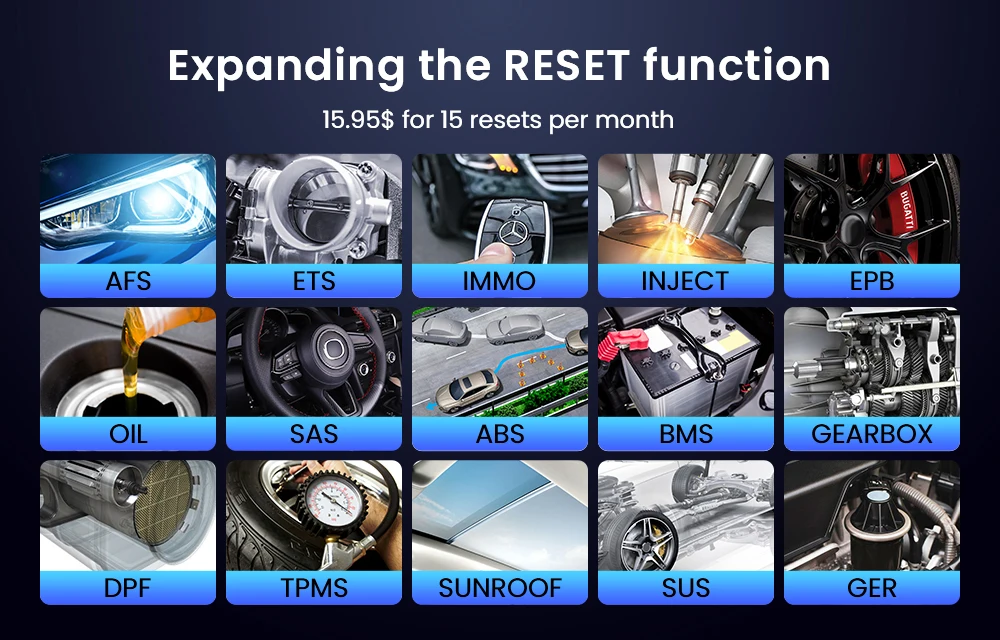
✅Support Expansion of 15 Reset Services, Not Free, 15 reset totally subscription is $16/month
1. Oil Lamp Reset Service: This allows you to perform a reset for a new calculation of the Engine Oil Life system once changed the oil.
2.EPB service: it is important in the maintenance of electronic braking system's safety and efficiency.
3.BAT battery service : allows the scan tool to evaluate the battery charge state, monitor the close-circuit current, register the battery replacement, and activate the rest state of the vehicle.
4. DPF service: especially works for Diesel Particulate Filter system with DPF regeneration, DPF component replacement teach-in, and DPF teach-in after replacing the engine control unit.
5.SAS service: helps clear the fault steering angle sensor memories and plays an important role in the steering angle sensor calibration.
6.TPMS service : makes sense in displaying sensor IDs from the vehicle's ECU, inputting TPMS sensor replacement IDs and testing sensors.
7.IMMO Key Programming: the unique car key programming and read pin code function, it is mainly used to disable the lost vehicle keys and program a new replacement key fob.
8. ABS Bleeding: ABS brake bleeding to get a firm brake pad after air exhaustion after repair ABS pump system
9.Sunroof Reset: The sunroof memory generally needs to be reset when the vehicle’s battery is replaced or the car dies
10.Suspension Reset:Try reset electronic suspension air ride with the massage system close all doors koeo flip through measage system go to suspension reset or on off
11.Gearbox Reset:Procedure Reset Transmission Adaptive Learning DIY. Start the car and drive. Once you perform this procedure the Engine Control Unit (ECU) and Transmission Control Unit (TCU) will work together to learn how you drive by monitoring your driving pattern. After you follow this programing method of the TCU / ECU drive the car.
12.AFS Headlamp Reset :'AFS' means Adaptive Front lighting System (at night with the Bi-Xenon headlights) it swivels either side, pressing that button means they stay pointing straight ahead and don't turn when you turn the steering wheel
13.Injector Coding :Leaking injectors and some dead injectors can be missed even when an injector is disabled. Otherproblems with the ignition system and mechanical components also may not show an rpm loss when aninjector is turned off
14.Throttle Adaptation The throttle body is a tube containing a pivoting flat valve (butterfly) that is used to control the amount ofair entering an engine. In an electronically fuel injected car, a throttle position sensor and air flow sensorcommunicate with the computer, which supplies the corresponding amount of fuel needed at the injectors. It must need re-learning throttle sensor position after clearing or repair
15. Gear Learning: The scan tool monitors certain camshaft position sensors signals to determine if all conditions are met to continue with the procedure for Engine running
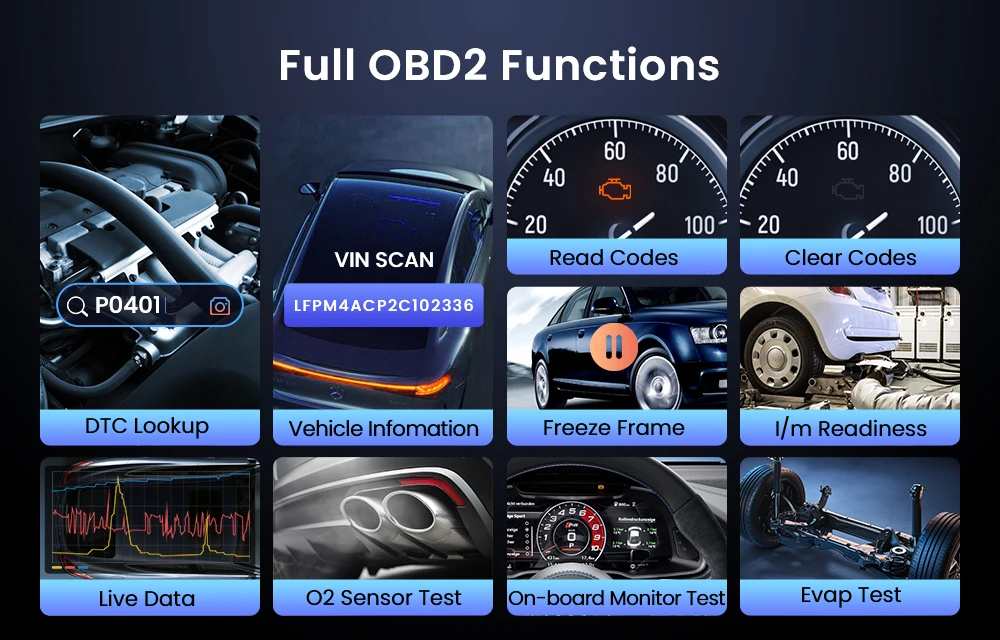
✅Support All OBDII Modes Lifetime Free
Featuring 10 modes of OBD2 tests, MUCAR CDL20 can be compatible with most OBDII protocol compliant cars to read and clear emission codes, show live data, O2 sensor test, On-Board monitor test, component test and view vehicle information etc.
– Read and Clear the fault codes, turn-off Malfunction Indicator Light (MIL)
– Displays Fr-eeze Frame data
– Displays O2 Sensor test results
– Display I/M readiness status. (Non-continuously Monitored Systems Test )
– Show Live Data in graphs such as engine RPM, temperatures, ignition advance, speed, etc.
– Request On-Board Monitoring test results for specific monitored systems
– Built-in DTC lookup library with cause analysis
– Special control mode requests control of EVAP test.
– Request Vehicle Information
✅ Supports 30 Car Brands:
Mercedes-Benz, Hyundai, Opel, Land Rover, Jaguar, Volvo, Skoda, Volkswagen, Kia, Subaru, Renault, Honda, Citroen, Fiat, Chrysler, Seat,Peugeot, Porsche, Changan, BMW, Mitsubishi ,Lada, Audi, GM, Suzuki, Ford, Great Wall, Toyota, Nissan, Sprinter
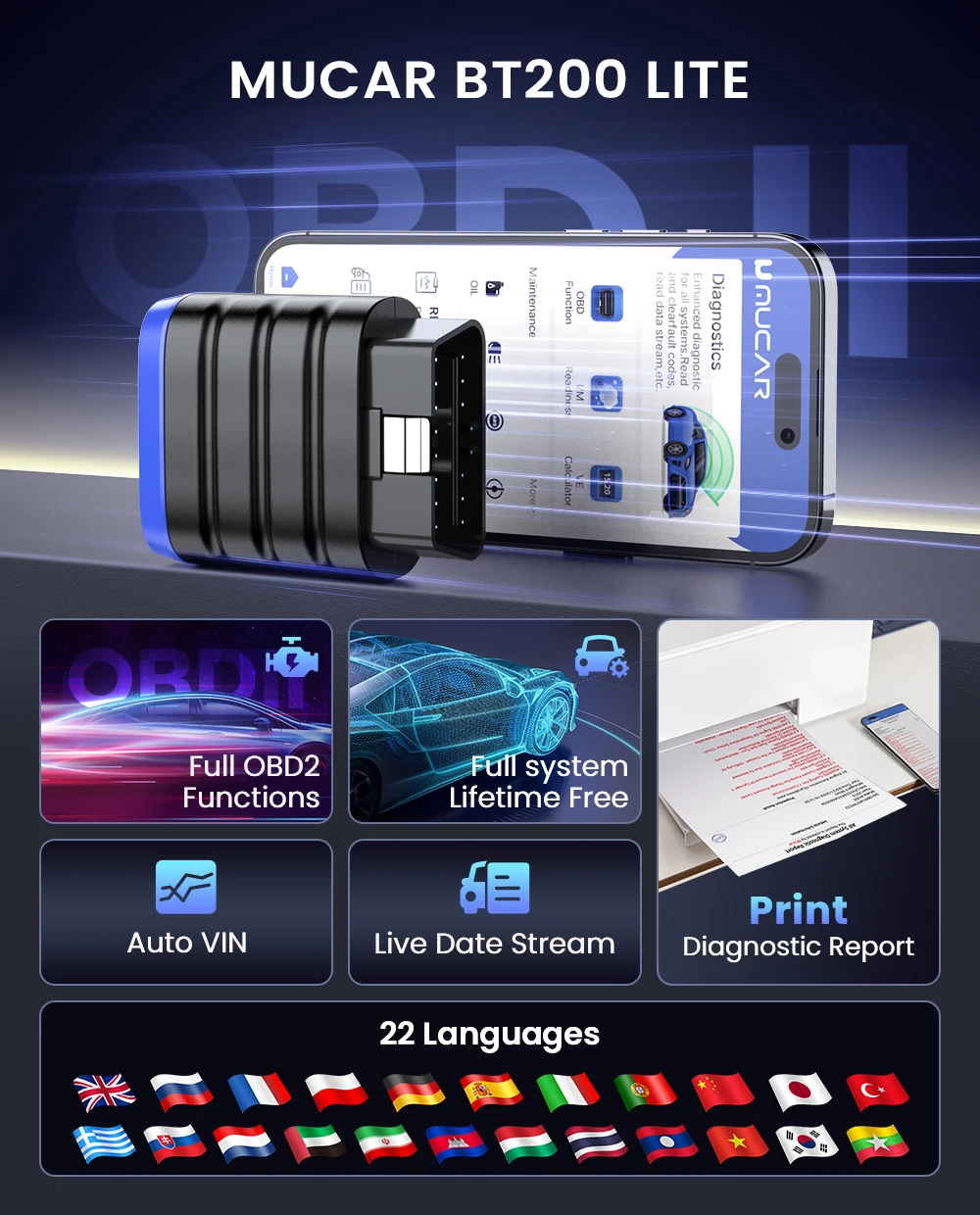
Support 22 Languages
English, French, Spanish, German, Italian, Portuguese, Japanese, Russian, Polish, Traditional Chinese, Turkish, Greek, Korean, Hungarian, Dutch, Vietnamese, Arabic, Persian, Khmer, Lao, Burmese, Thai
Auto VIN Scan
Read Live Data Stream
Show the information of continuous data stream from a vehicle in live graphic (waveform) display.
Support Vehicles Diagnostic Report
1.Generate diagnostic report in MUCAR APP
2.Download the diagnosis report and transfer it to the computer to print the diagnosis report
3.Share your diagnosis report with your partner or car owner
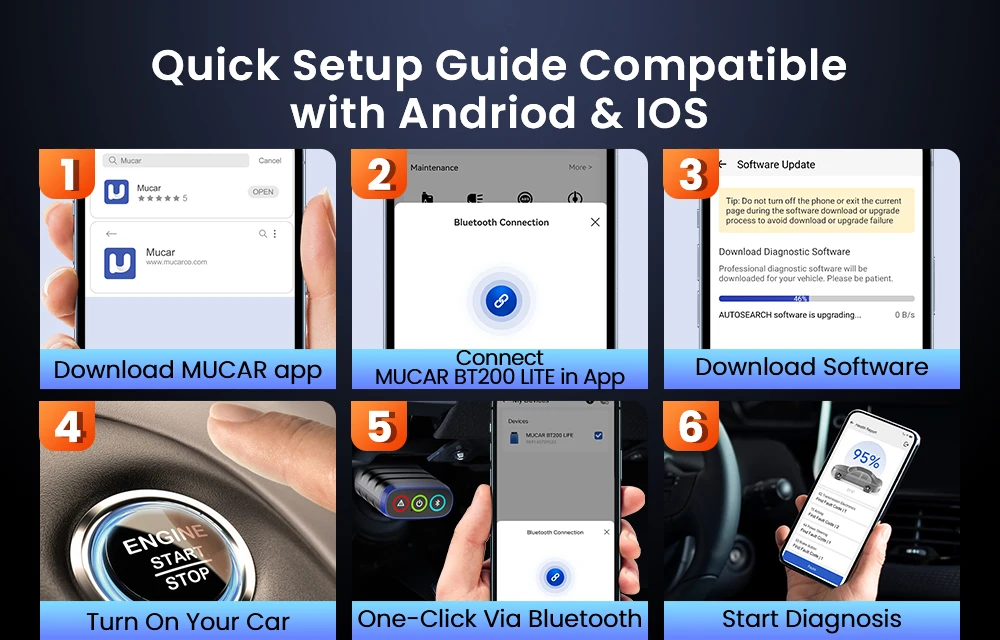
✅How to Use the MUCAR BT200 Lite?
Step1: Download the "MUCAR" in the APP store or in Google Play store.
Step2: Open the MUCAR APP, click on"Sign Up",verification code will be sent to the email you input, if you did not got, please check the spam.
Step3: Click on "Activate" to open the activation page, you need to input the serial number and an 8-diagit activation code is on the first page of the Quick Start Guide.
Step4: Plug MUCAR BT200 Lite into the vehicle's OBDII port, there will be a red light which indicates the device is powered on.
Step5: Open the MUCAR APP, it will automatically search for activated devices, select your device and connect to it via Bluetooth in the APP. The indicator will turn to flashing blue.
Step6: In the "Diagnostics" interface of the App, you will need to download the corresponding diagnostics software when first apply"All System Diagnostic"and"OBD Functions".
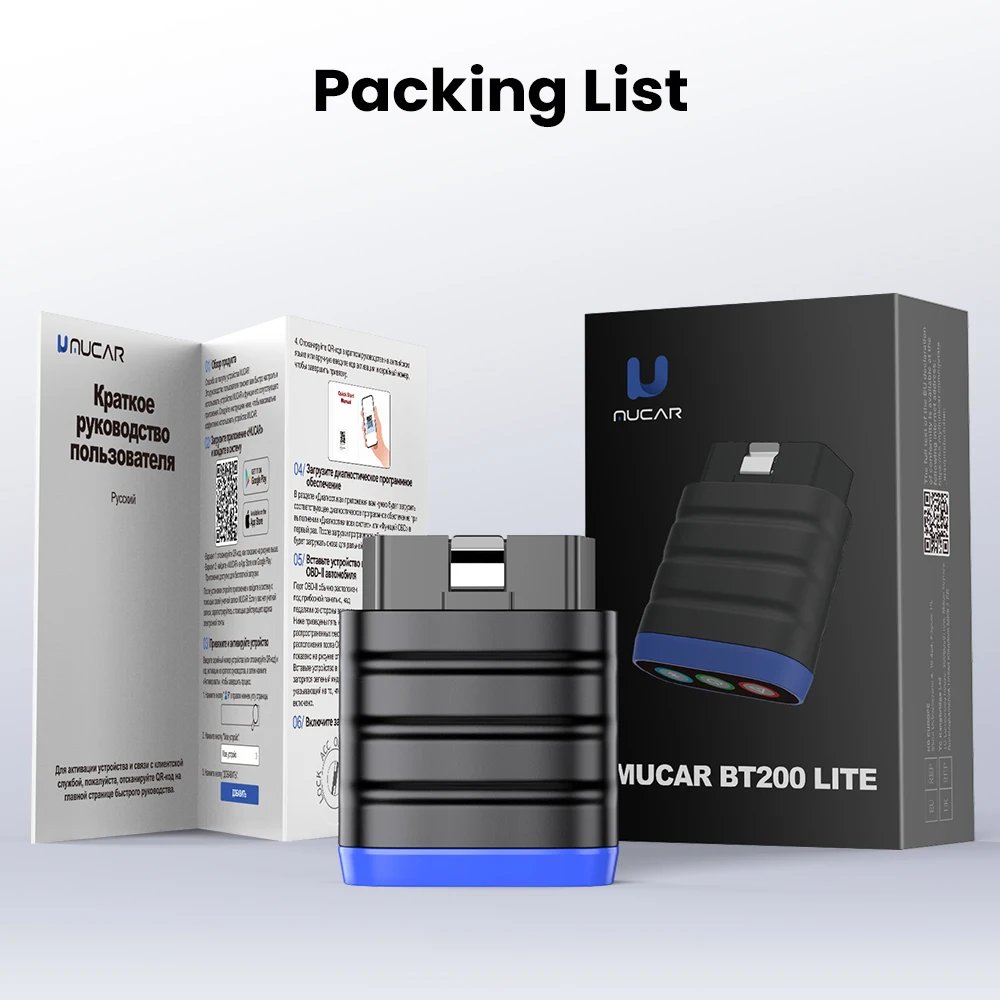
Packing lists
1 * MUCAR BT200 Lite Scanner
1 * Multilingual User Manual